Always show up to date contents.
Showing posts with label finder. Show all posts
Showing posts with label finder. Show all posts
9.04.2011

9.03.2011
5.19.2008
Access iPhone using Finder
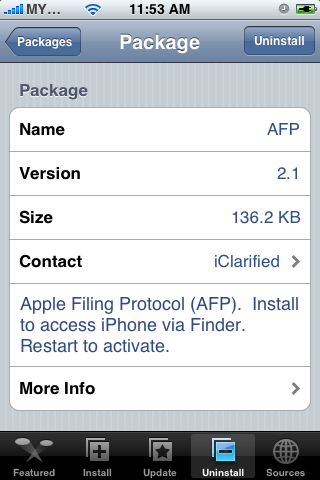
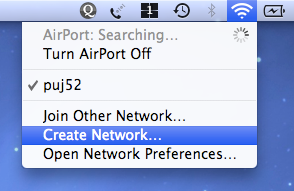
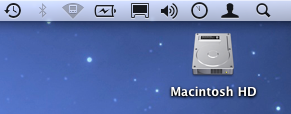
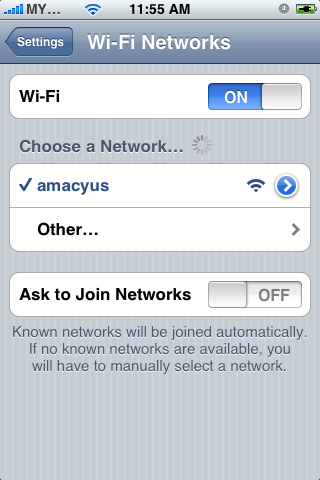
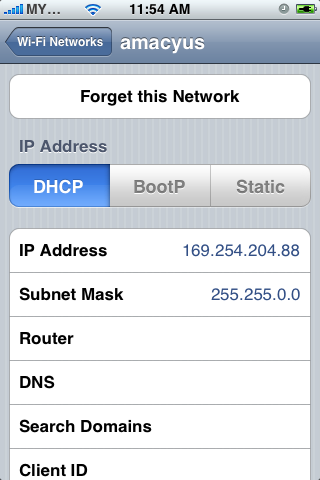
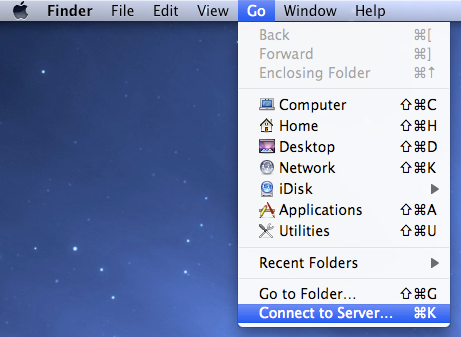
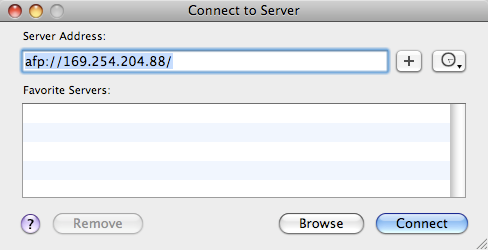
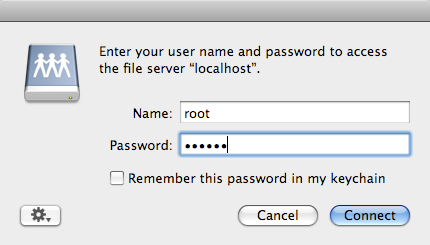
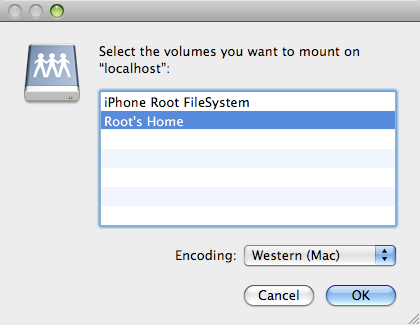
First, make sure you have AFP installed on the iPhone - you need Installer. Turn on Airport on your Mac and create network from the airport icon menu. If the network is set, you'll see the airport icon changed. Set iPhone to join the network you just created. Take note of the iPhone IP address. On your mac, activate Finder. From the top menu, choose Go > Connect to Server. Type you iPhone IP address like this example. You will be prompt for login. Type 'root' as user, and 'alpine' for password. Choose Root's Home instead of Root Filesystem because the earlier has bigger disk space.
For what? iPhone as your wireless external disk drive.
For what? iPhone as your wireless external disk drive.
5.15.2008
Shortcut : Empty Trash
shift + command + delete when your Finder is active.I accidently discovered this few weeks ago. Sometimes we are in the mood of keeping the trash clean. But it is safe to keep trashed files before we realized our now-it-is-important thing gone.
Subscribe to:
Posts (Atom)